Pricing menus that sell the upgrade.
Answer a few questions and PriceShine AI builds a clean, professional menu for detailing, paint correction, ceramic coating, PPF, tint or wraps — in under 5 minutes.
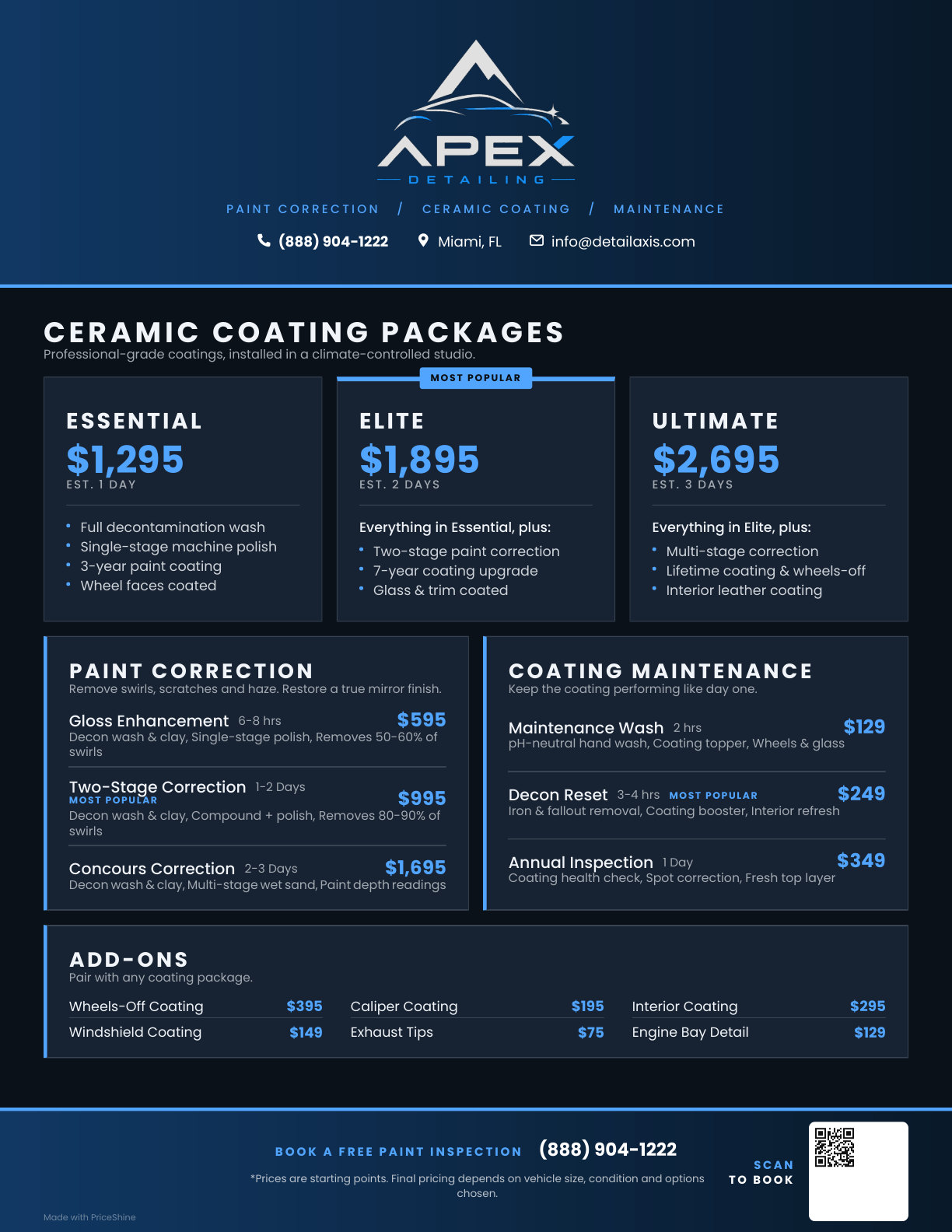
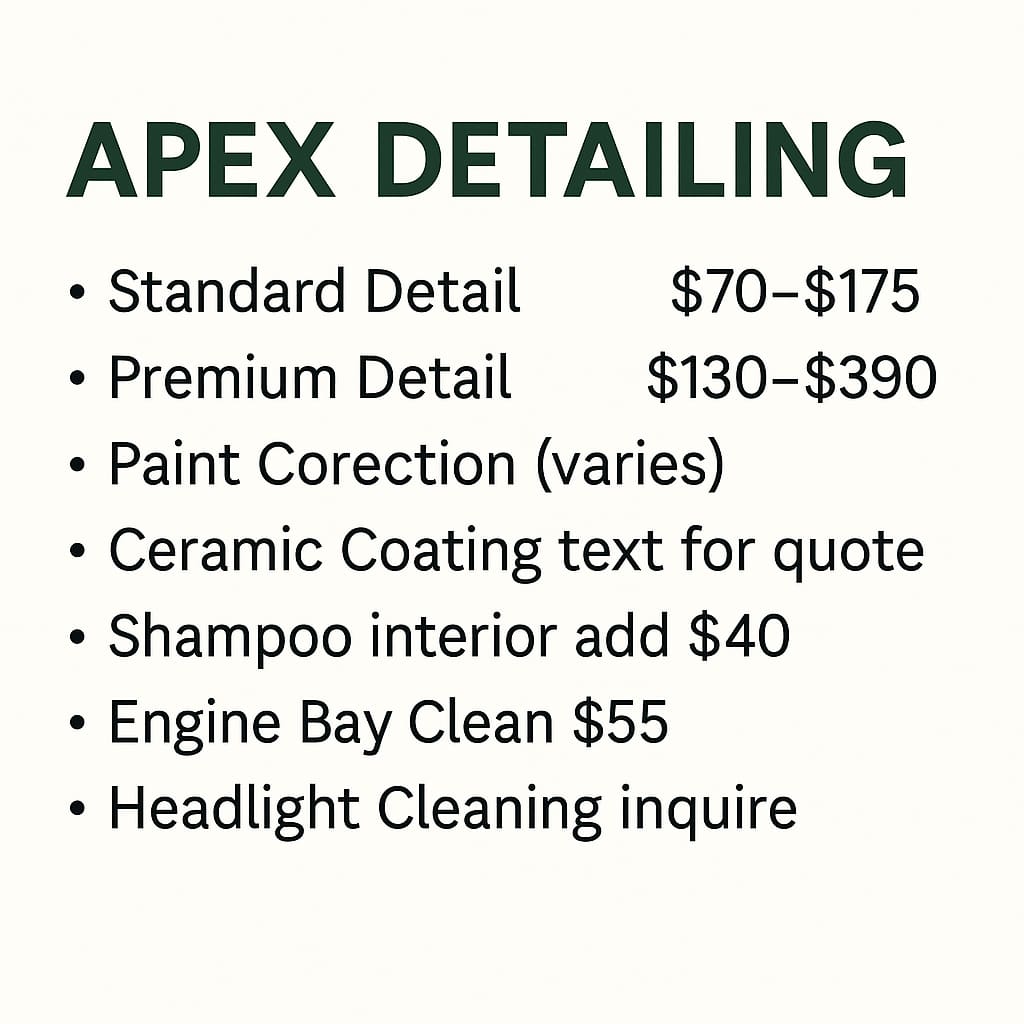
Most pricing menus are costing you money.
A confusing menu makes great work look cheap — so customers shop on price alone.
- Industry jargon customers don’t understand
- No clear upsell path or package structure
- Price ranges instead of clear tiers
- Missing the details that build value
- A look that doesn’t match the quality of your work
AI does the heavy lifting.
Three steps from a blank page to a menu you can text, print or hang on the wall.
Tell It About Your Business
Chat with PriceShine AI about your services, packages and prices. Takes about two minutes.
Get a Finished Menu
It builds a tiered, customer-friendly menu with clear packages and smart upsell placement.
Customize and Share
Edit any text or price, add your logo and colors, then share a link, save a PDF or print it.
One brand, six ways.
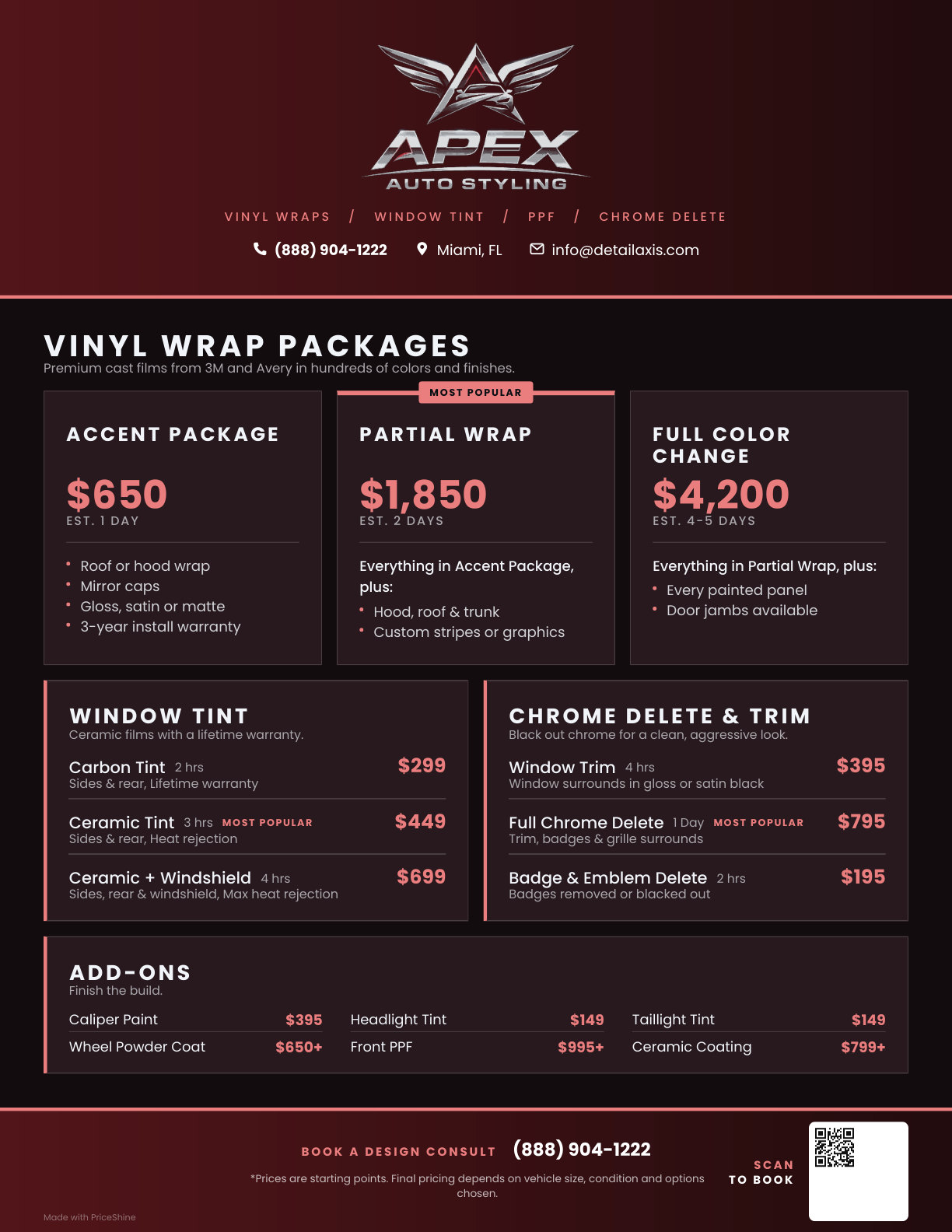
Detailing, ceramic, tint, PPF, wraps and mobile — light or dark, any brand color, any price point. Every one is a single print-ready page. Tap a menu to view it full size or open the PDF.
Match your brand’s unique style.
Your menu should look like your business. Pick your brand color, go light or dark, add your logo and tagline, and edit any line right on the page.
- Light or dark menus in your brand color
- Your logo, tagline and call to action
- Click-to-edit text and prices, drag to reorder
- What you see on screen is exactly what prints
Everything you need. Nothing you don’t.
Colors & Branding
Your logo, your colors, your header and footer text.
Light or Dark
One tap switches the whole menu.
Easy Editing
Click any text or price to change it.
Drag to Reorder
Move packages and sections where they sell best.
Print-Ready PDF
Sized to fill the page, or two balanced pages for big menus.
Scan to Book
Add a QR code that takes customers straight to booking.
Share Anywhere
Send a link, email it, or print it for the wall or the van.
Free Forever
No card, no trial. Save your menus with a free account.
A better menu means more revenue.
Higher Average Tickets
Clear value and smart package placement guide customers toward premium services.
More Booked Quotes
Professional presentation builds trust, so more quotes turn into jobs.
Fewer Price Objections
When customers understand the value, they stop haggling over the price.
Build your free menu in 5 minutes.
No signup. No credit card. No catch — PriceShine is free from DetailAxis.
We use cookies to improve our site and never sell your data. Privacy ·